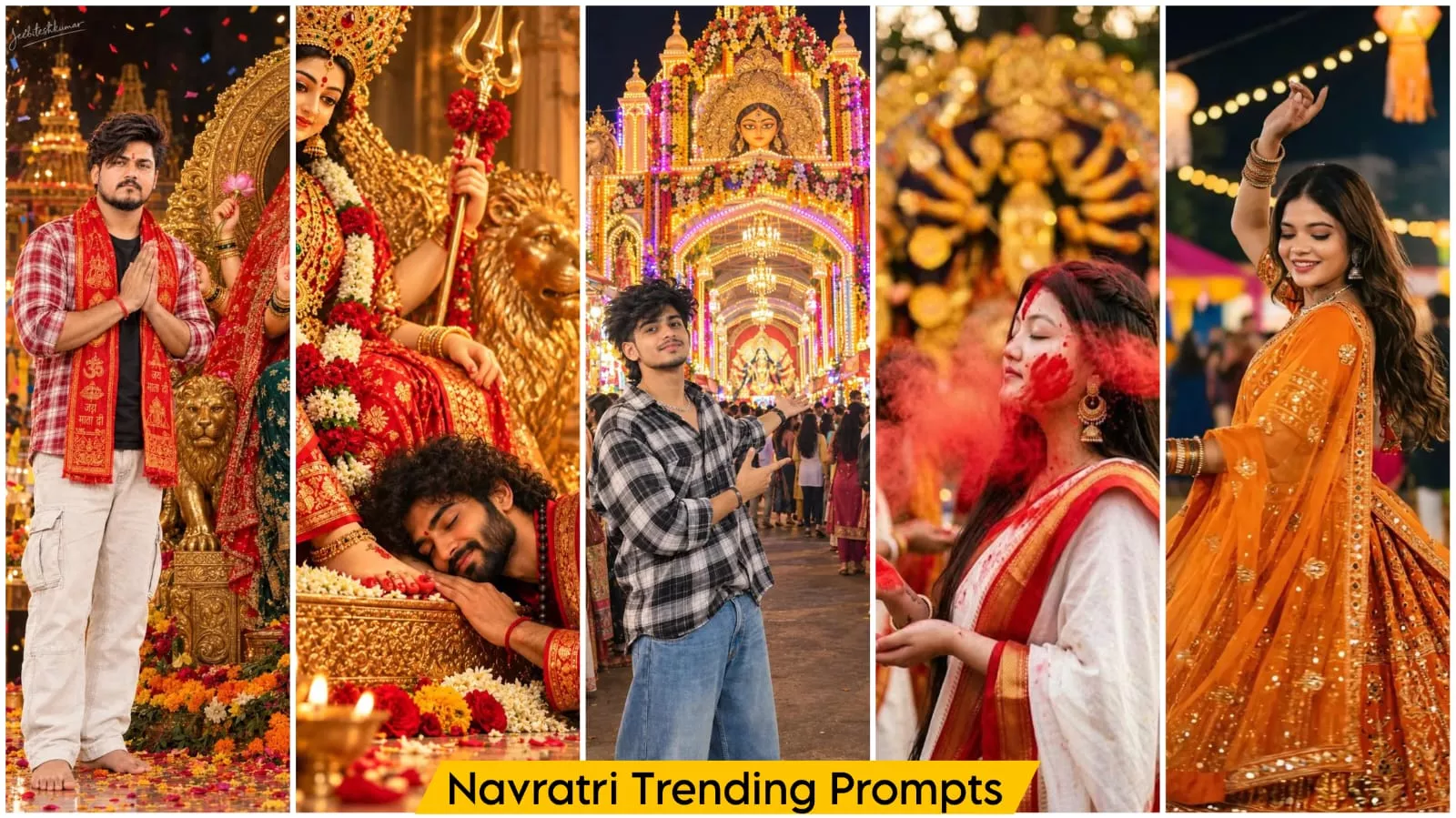
Navratri Ai Photo Editing Prompt – During Navratri, you’ll notice that people on social media really love photos themed around the festival. In fact, the entire social media landscape seems to immerse itself in the spirit of Navratri—from images of Garba celebrations to elaborate decorations featuring the Goddess (Mata Rani). Such photos are incredibly popular. When I first came across this trend, I found it quite appealing, so I thought, why not share it with you and help you create similar images? In this article, I will explain how you can craft these kinds of viral-worthy photos for social media and potentially go viral yourself!
Why are these Navratri-themed photos going viral?
It’s because this style of editing has become very popular lately. You don’t need to do anything complex; you simply copy a prompt and generate the image. It’s that easy—you just use the right prompt, and your photo is ready. In this discussion, I’ll show you how to create these highly realistic images—photos that look just like a professional photoshoot. It’s a great way to get high-quality results, and you can do it with ease.
Navratri Ai Photo Editing Prompt
If you are making photos for Navratri, what should you keep in mind and what you should not do. If you are making such photos, then you should do this that you should not use anyone’s photo without permission. If you are using photos of someone else, then you should take special care that you should use your reference photo in it, so that you get good results and after that, what kind of photo should you use there. I will tell you that. You should use such a photo in which your photo is of high quality, your face should be clearly visible in it and the rest of the lighting etc. should be correct, if the rest of the background is normal then it will also be fine but you should focus on the face and high quality photo there.
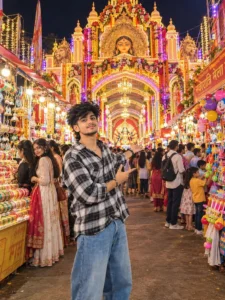
CREATE AN ULTRA-REALISTIC CINEMATIC DOCUMENTARY PHOTOGRAPH OF A GRAND NAVRATRI/DURGA PUJA MELA ENTRANCE IN INDIA AT NIGHT, COMPLETELY ORIGINAL AND NOT AN EXACT COPY OF ANY REFERENCE. MAIN SUBJECT: EXACTLY CENTERED IN THE FOREGROUND, AN 18-YEAR-OLD INDIAN YOUNG MAN WITH VOLUMINOUS MESSY DARK WAVY HAIR, CLEAN TAPER FADE ON THE SIDES, AND LONGER HAIR FLOWING TO THE NAPE. YOUTHFUL REALISTIC INDIAN FACE, CHEERFUL SOFT SMILE.
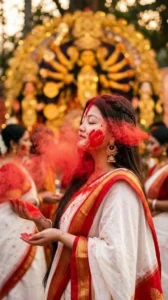
Side-profile portrait of a beautiful Bengali woman with eyes closed during Durga Puja Sindoor Khela. Explosion of vibrant red gulal powder floating around her face, wearing a traditional white saree with a red border and gold jhumkas. Golden Durga idol in a warm bokeh background, cinematic festival lighting, photorealistic, 35mm film style. --ar 9:16❤️🙏🏻
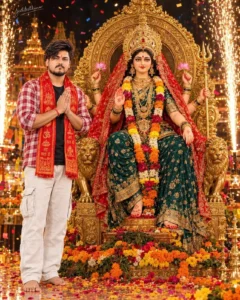
Ultra-realistic 4:5 Durga Puja photograph, preserve exact reference face and hairstyle. Young Indian man in red-white checked shirt, black T-shirt, white cargo pants and red-gold devotional stole, barefoot, praying Namaste beside Maa Durga on an ornate golden throne. Emerald-gold saree, red veil, crown, jewellery, lotus flowers, trident, marigold garlands, glowing sparks, confetti, cinematic golden lighting, dark festive pandal, 8K photorealism, “Jeebiteshkumar” signature.
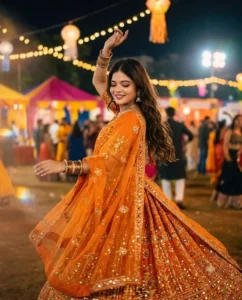
beautiful Indian girl dancing garba at night festival, wearing bright orange heavily embroidered lehenga choli with mirror work and sequins, orange sheer dupatta with gold embellishments draped over shoulde, long wavy open hair half curled, natural soft glam makeup with closed eyes , silver oxidized jhumka earrings and silver choker necklace multiple colorful bangles stacked on both hands, pose mid-twirl dancing with one arm raised up graceful and other arm extended lehenga
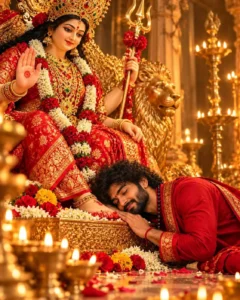
{ "prompt_type": "image_generation", "style": "intimate cinematic devotional portrait, hyper-realistic temple photography, rich golden glow, deeply emotional and sacred", "aspect_ratio": "4:5 vertical", "camera": { "angle": "eye level, slightly low, close to the altar floor", "shot": "medium close-up, goddess in the upper left, man bowed at the lower right with his head resting on her feet", "lens": "50-85mm, f/1.8-f/2.5",
How To Create Image?
To create these images, you will first need a prompt—which we have provided in this article. Go ahead and copy it. Next, open ChatGPT, click on the plus (+) icon, and upload your reference photo; using a reference photo will help ensure a better result. Once that’s done, paste the prompt and hit generate—it will then create a high-quality image for you.
Conclusion
This is how Navratri photos are created, and you can create such special photos right now. I’ve shared all the details. Your photo will be created with perfect results, without any problems. In the future, we’ll continue to bring you such amazing editing tips and tricks and share them, and you’ll surely love them.